How Edit Banana Works
Edit Banana operates through a robust, multi-stage architecture pipeline to achieve its remarkable conversion capabilities:
- Input & Segmentation: The process begins by accepting static inputs, primarily images and PDFs. A fine-tuned SAM 3 (Segment Anything Model) mask decoder is then employed for precise element segmentation, meticulously identifying individual components within the input.
- VLM Scanning & OCR: Following segmentation, a fixed multi-round scanning process using powerful Vision-Language Models (VLMs) like Qwen or GPT-4V, combined with Azure OCR, extracts and recognizes text, formulas, and visual information from the segmented elements.
- Reconstruction: Finally, the spatial data and recognized text are merged and intelligently reconstructed into editable file formats, specifically XML or PPTX, ready for comprehensive editing.
Why Use Edit Banana?
Choosing Edit Banana for content reconstruction offers several compelling advantages:
- Layout & Logic Preservation: The tool meticulously preserves the original diagram's layout logic, color matching, and element hierarchy. This ensures that the reconstructed output maintains the integrity and visual coherence of the source material.
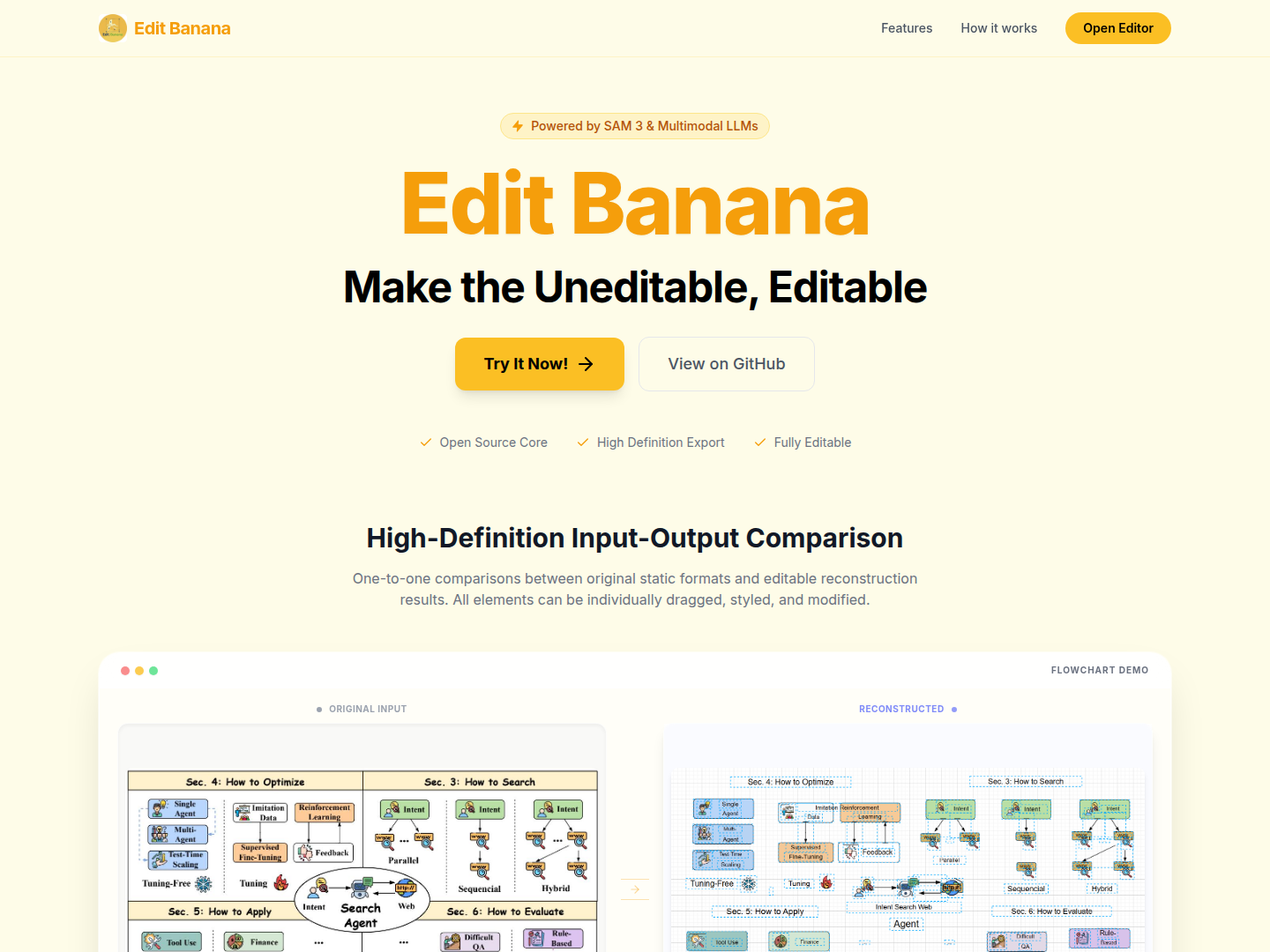
- 1:1 Restoration: Edit Banana provides accurate 1:1 restoration of shape stroke, fill, and arrow styles, including dashed lines and thickness, ensuring visual fidelity to the original.
- Accurate OCR: With highly accurate text recognition capabilities, Edit Banana allows for direct subsequent editing and format adjustment of all text elements, including complex formulas.
- Fully Editable Output: All reconstructed elements are independently selectable, supporting native template replacement (e.g., DrawIO templates), offering full control and flexibility for modifications.
- High-Definition Output: The tool supports high-definition input and output, allowing for detailed comparison between original static formats and their editable reconstructions, ensuring quality and precision.