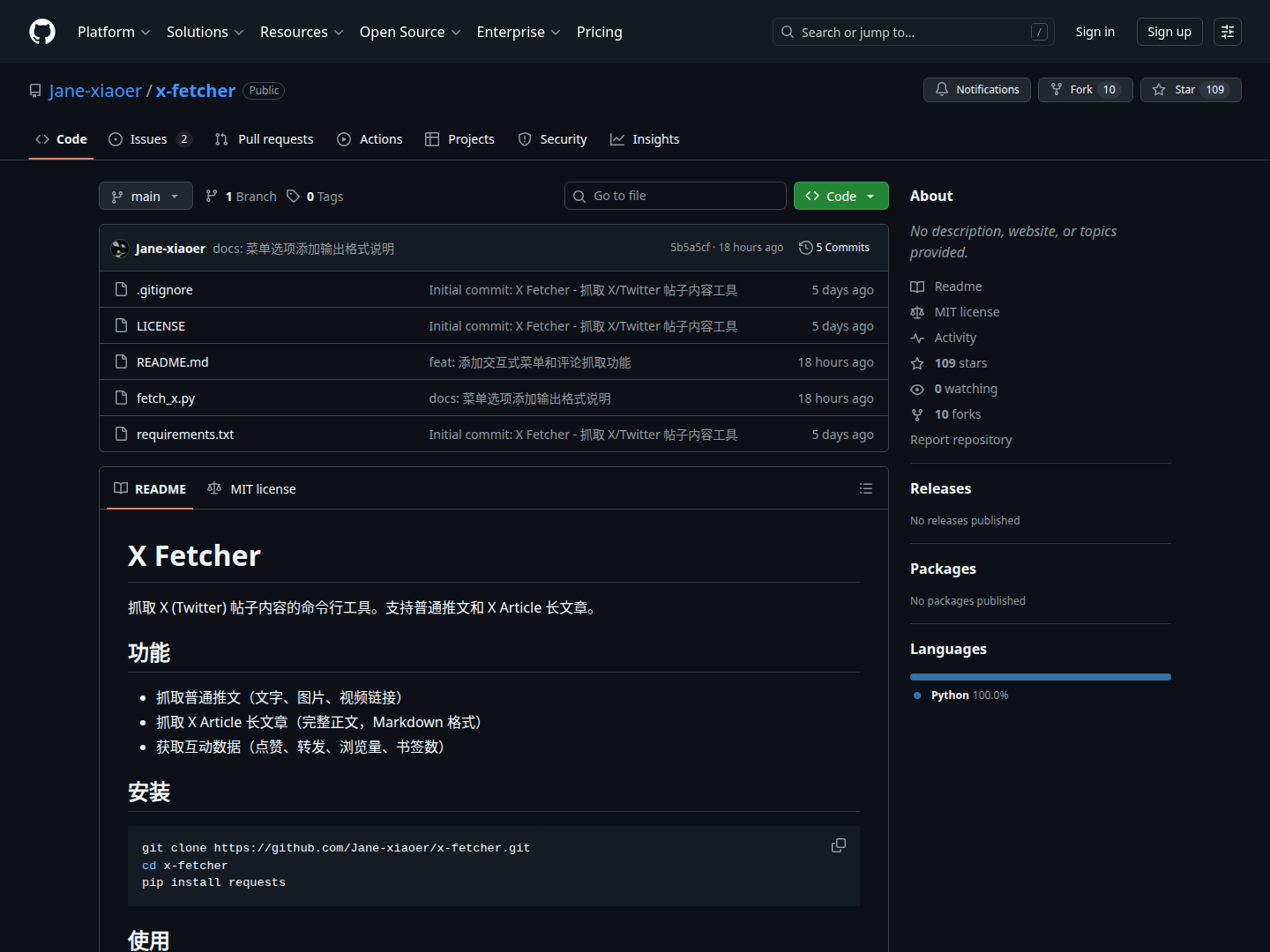
Overview
X Fetcher is a Python-based command-line utility designed to simplify the process of extracting content from X (Twitter) posts. It's particularly useful for users who need to archive specific tweets, retrieve the full text of X Articles, or collect engagement metrics for analysis. The tool provides multiple options for output, including Markdown files for readability and JSON for data processing.
How It Works
Users install X Fetcher by cloning its GitHub repository and installing Python dependencies. The tool is then run from the command line, requiring a direct X URL as input. It operates by extracting the tweet ID from the provided URL and then attempting to retrieve data primarily via the fxtwitter API, with a fallback to the syndication API. Users can specify various command-line options such as --save-md to directly save the main post as Markdown, --with-replies to include comments, or --full for a complete archive. An interactive mode is also available, presenting a menu to choose what content to save after successful fetching. Output files are named systematically, incorporating the username, tweet ID, type, and timestamp.
Key Benefits
- Comprehensive Content Capture: Fetches text, images, video links from regular tweets, and the full text of X Articles.
- Structured Output: X Articles are retrieved and formatted directly into Markdown, making them easy to read and integrate into other documents.
- Engagement Data: Gathers crucial interaction metrics like likes, retweets, views, and bookmarks for detailed analysis.
- Flexible Archiving: Offers options to save just the main post, comments, or a full archive (main post + comments).
- Developer-Friendly: Provides a JSON output option for easy integration into other scripts or data processing workflows.
Who It's For
X Fetcher is ideal for researchers, data analysts, content creators, and individuals who need to archive or analyze content from X. It's particularly useful for those who want to:
- Build personal archives of important tweets or articles.
- Collect social media data for academic or market research.
- Convert long X Articles into a more manageable and readable Markdown format.
- Monitor and analyze engagement trends for specific X accounts or topics.